Completing a survey
From time to time, you’ll receive short surveys through MentorKey as part of your mentoring program. These surveys are designed to:
- Capture your experience — helping your program coordinators understand what’s working well and where improvements can be made.
- Measure impact — by comparing feedback over time, we can track progress and demonstrate outcomes and impact.
- Support continuous improvement — your input shapes future tweaks and improvements.
Accessing and Completing a Survey
When a survey is available in MentorKey and a response if required from you, you will see it pop up when you open MentorKey for the first time after the survey period becomes active.
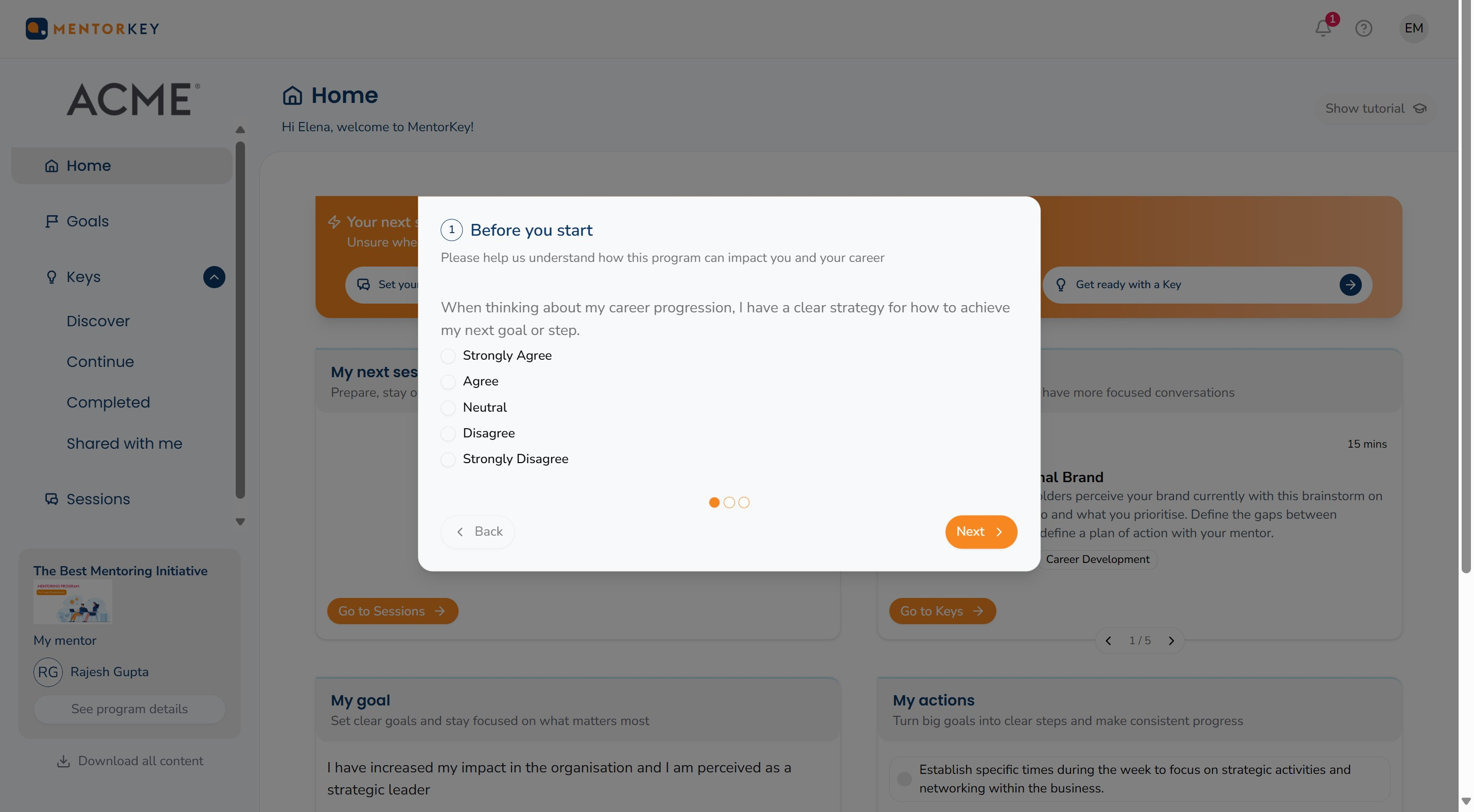
Follow the instructions to complete the survey.
If your survey does not pop up, you may see a notification on the top right-hand side of your screen:
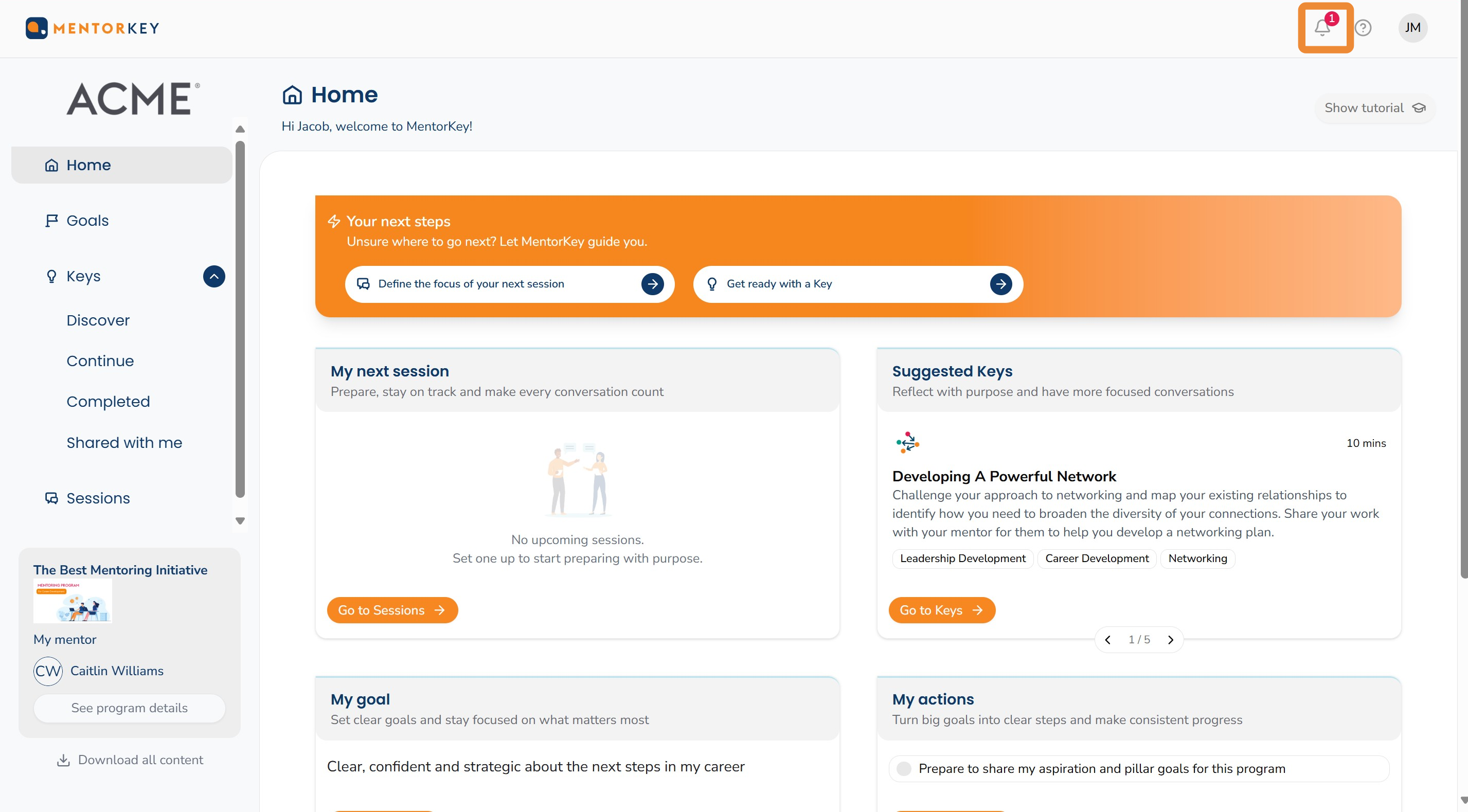
Click on the bell and you will see a notification "New survey available". Click on this to access your survey and complete it.
